OneDS
Resources

Documentation and supporting materials

Documentation and supporting materials

Access guidelines, best practices, governance documentation, and supporting assets for effective adoption.
Access guidelines, best practices, governance documentation, and supporting assets for effective adoption.
Resources

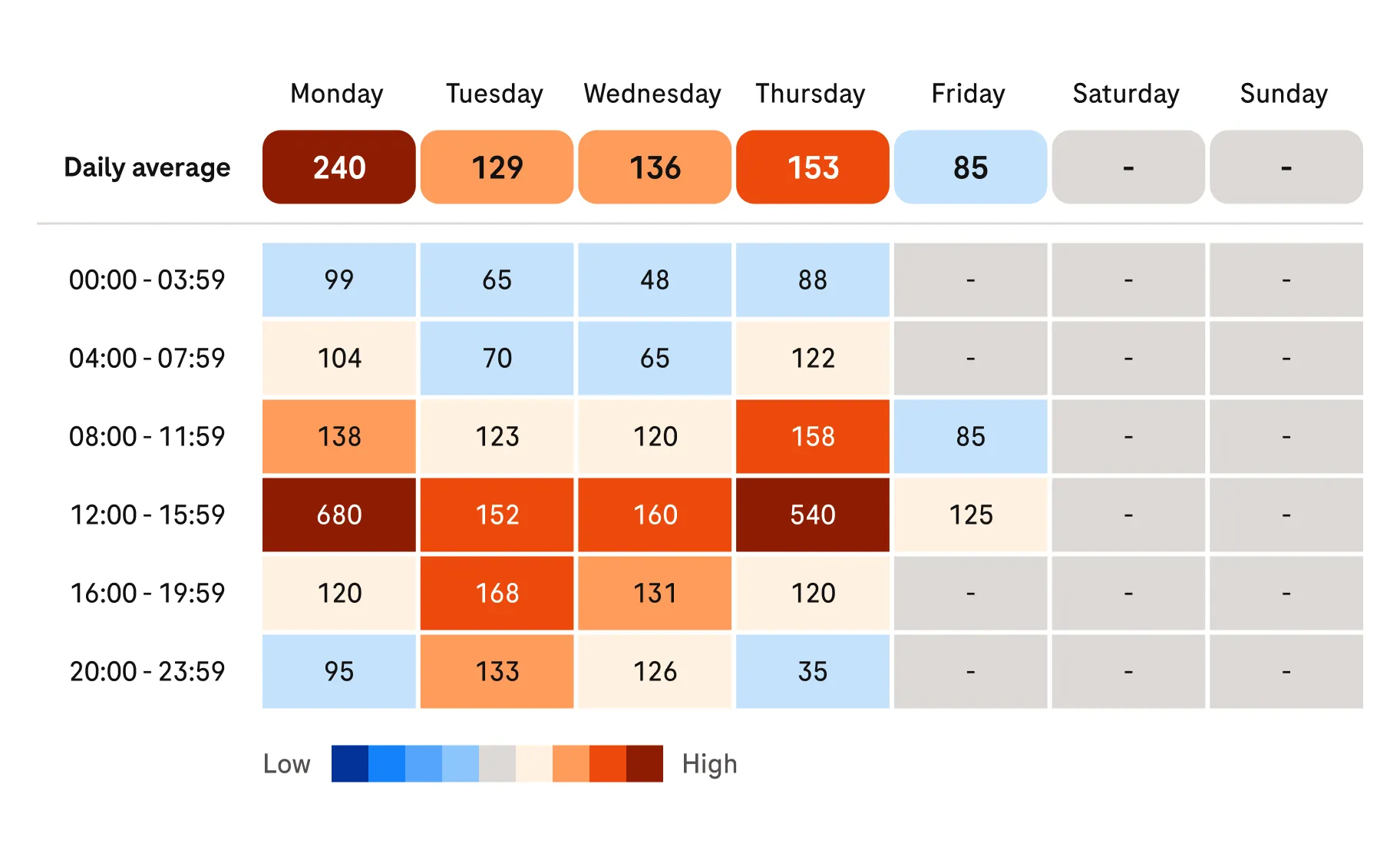
OneDS Chart library preview

OneDS Chart library

Charts visually present data so users can analyse and interpret information quickly, supporting data-driven decisions across clinical and operational contexts.

Who uses it?

Product teams (designers, PMs, developers).

Why it matters

Chart patterns make data clear and consistent. Reusable rules help teams build faster.

Design
OneDS icon library preview

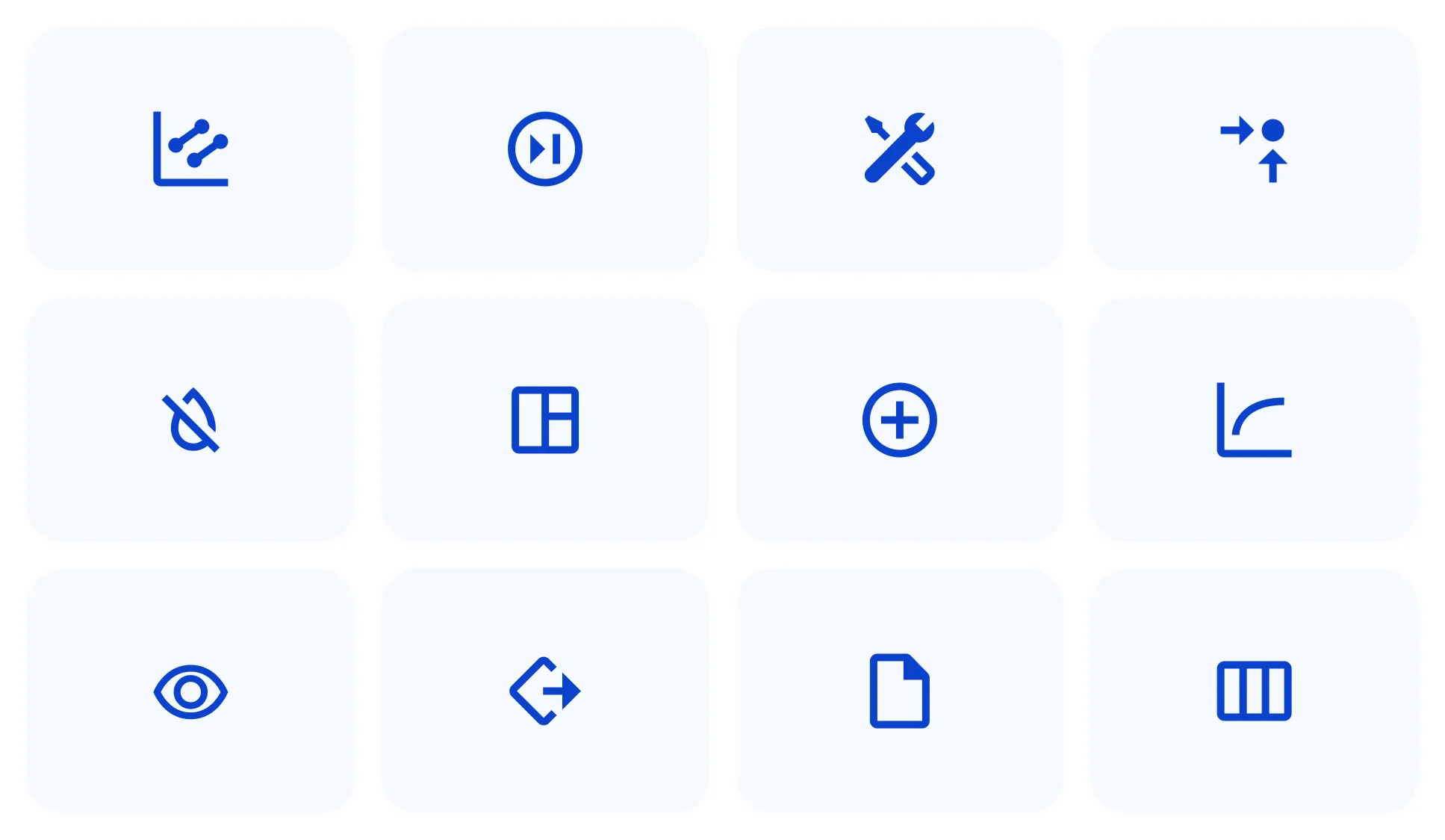
OneDS icon library

Global icon set used across Roche digital products.

Who uses it?

For designers; for developers.

Why it matters

Visual coherence and flexibility across different contexts.

Design
Development
Guide
OneDS Illustrations preview

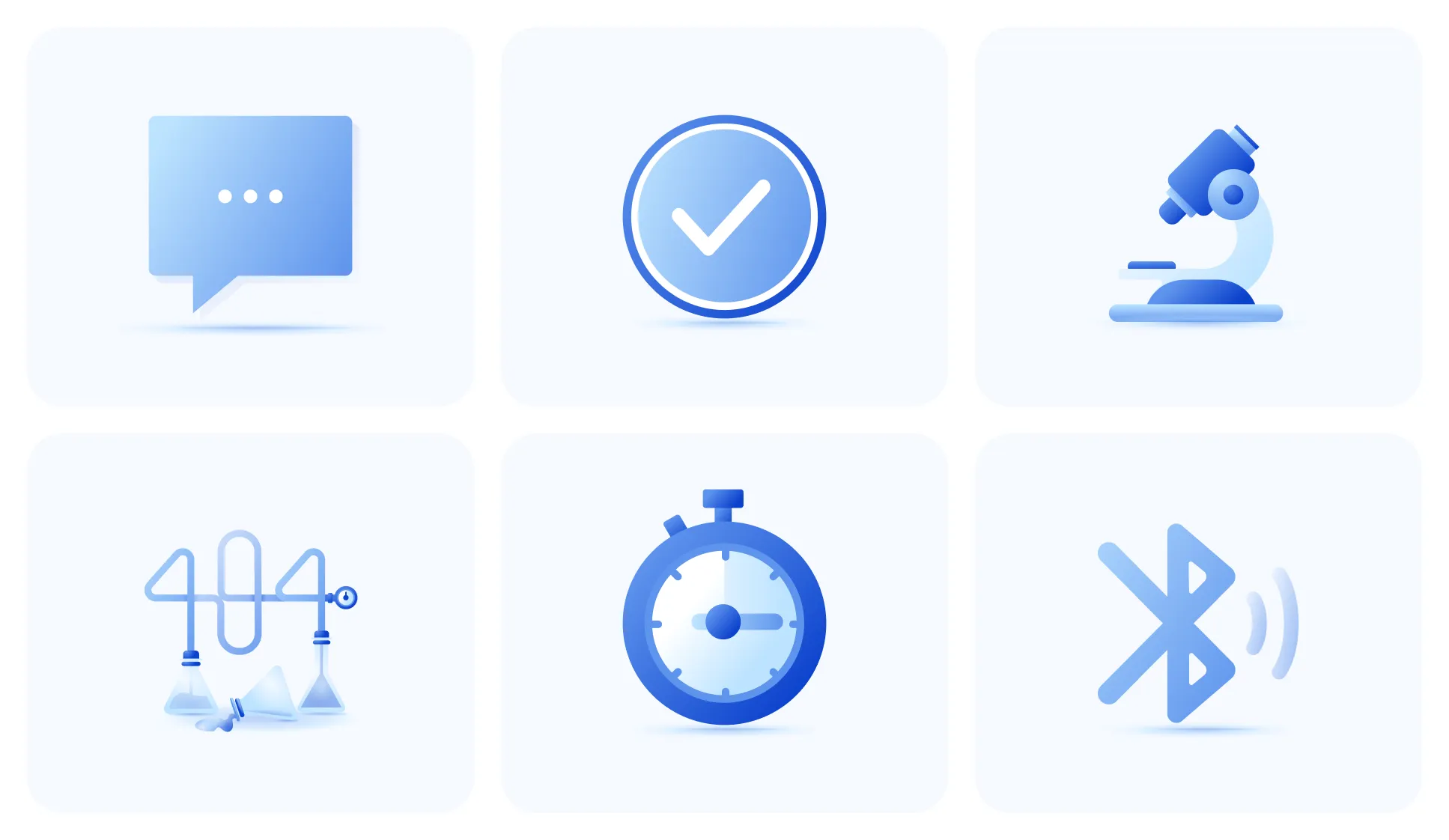
OneDS Illustrations

Illustration system designed for cohesive experiences across product and hardware.

Who uses it?

Designers

Why it matters

Adds clarity, emotion, and brand expression to interfaces.

Design
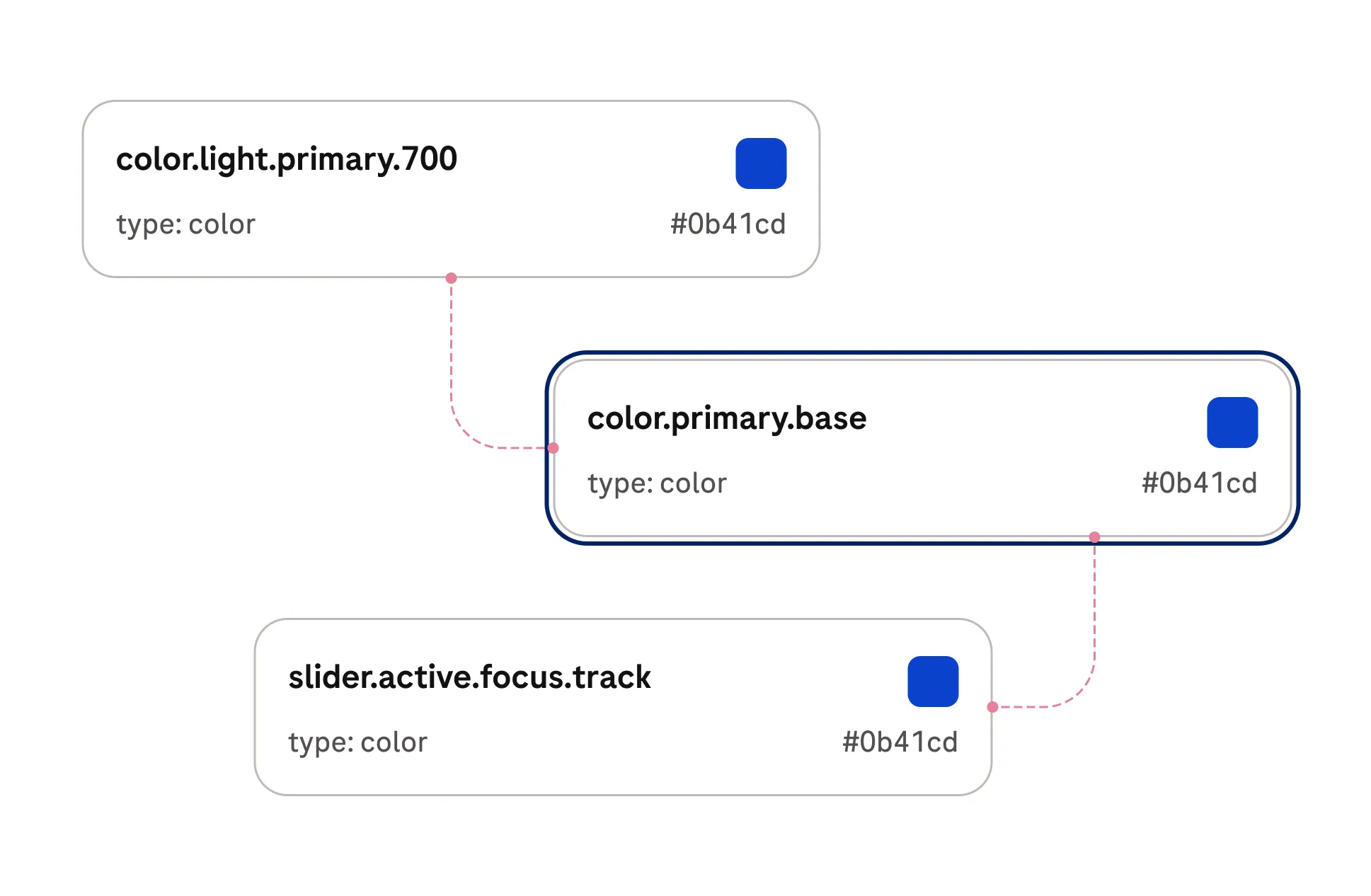
OneDS System Tokens preview

OneDS System Tokens

Encoded visual specs for colors, spacing, width, typography, and more.

Who uses it?

Designers and developers.

Why it matters

Keeps styles consistent across platforms; ready for direct consumption.

Design
Development
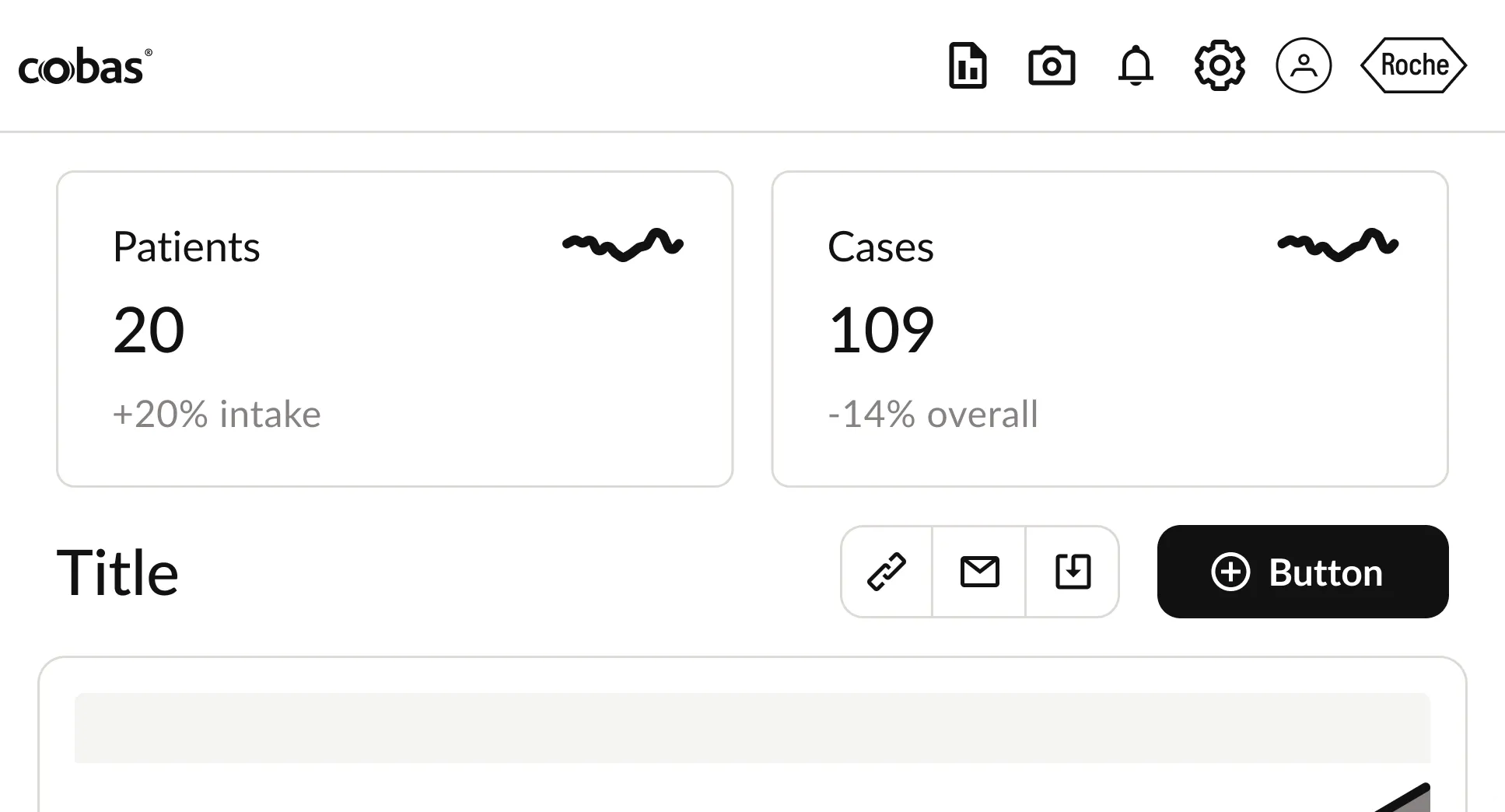
DIA Wireframe Kit preview

DIA Wireframe Kit

ODSU-agnostic wireframing library with flexible, utility components.

Who uses it?

Designers and product teams.

Why it matters

Rapid exploration, alignment, and clear workflow mapping early in the process.

Design
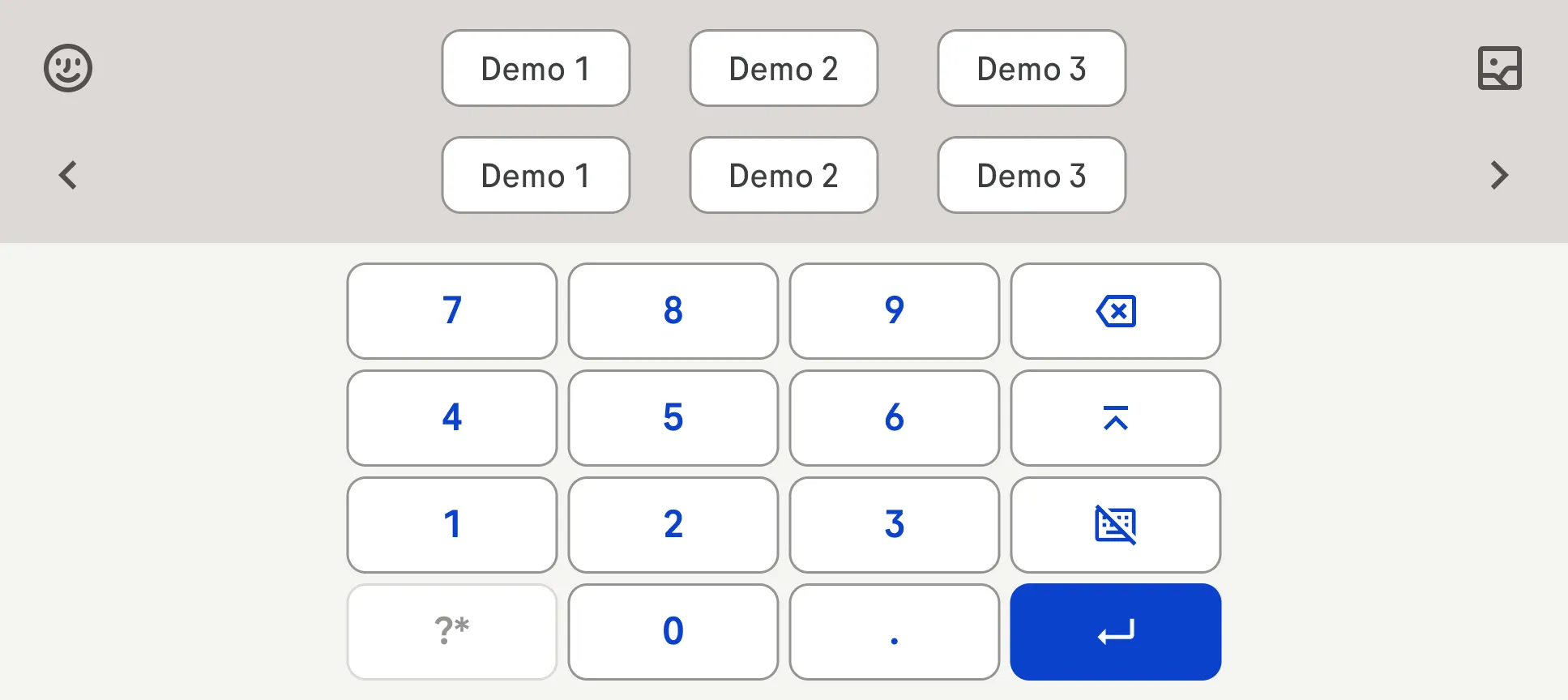
Virtual keyboard preview

Virtual keyboard

The virtual keyboard serves as a digital alternative to physical keyboards.

Who uses it?

Designers and developers.

Why it matters

A virtual keyboard lets users type without a physical keyboard.

Design
Development