OneDS
Tools

Enable your workflow

Enable your workflow

Design and development tools that integrate the system into your daily process—from Figma libraries to code packages.

Design and development tools that integrate the system into your daily process—from Figma libraries to code packages.

Tools

Web MCP Server integration preview

Web MCP Server

The Web MCP Server is a package designed to act as the central source of truth for the OneDS Design System, providing comprehensive documentation for all the components, detailed setup guides for new projects, and essential migration instructions to ensure smooth adoption and version upgrades.

Who uses it?

Tool for Frontend developers building web apps with OneDS.

Why it matters

Increase efficiency of coding using OneDS Web library and AI integration.

Use our docs in AI agents
OneDS Create App preview

OneDS Create App

The OneDS Create App CLI simplifies the setup of new React applications by leveraging the create-vite foundation. It initializes projects with the OneDS design system pre-integrated, including automatic configuration for CI/CD pipelines, dependency update management, and a robust, pre-configured testing environment.

Who uses it?

Tool for Frontend developers building web apps with OneDS.

Why it matters

Increase efficiency of coding using OneDS Web library.

Create OneDS application
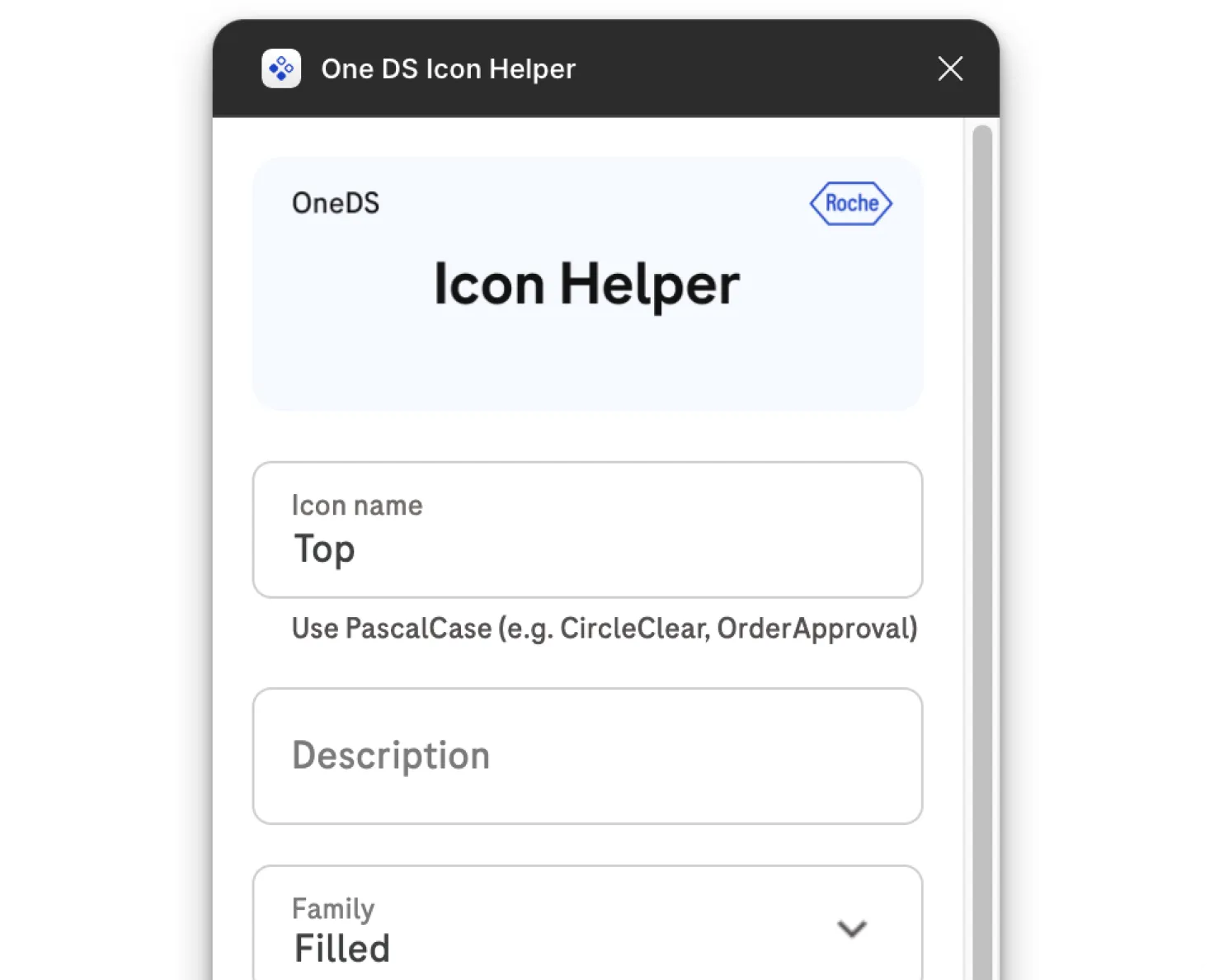
OneDS Icon Helper plugin preview

OneDS Icon Helper

Icon Helper is a productivity plugin that transforms a raw icon frame into a fully-structured, scalable icon component set in one click.

Who uses it?

Designers.

Why it matters

Because it automates the conversion of a raw icon frame into a design-system-ready component, removing manual steps and human error.

Use it
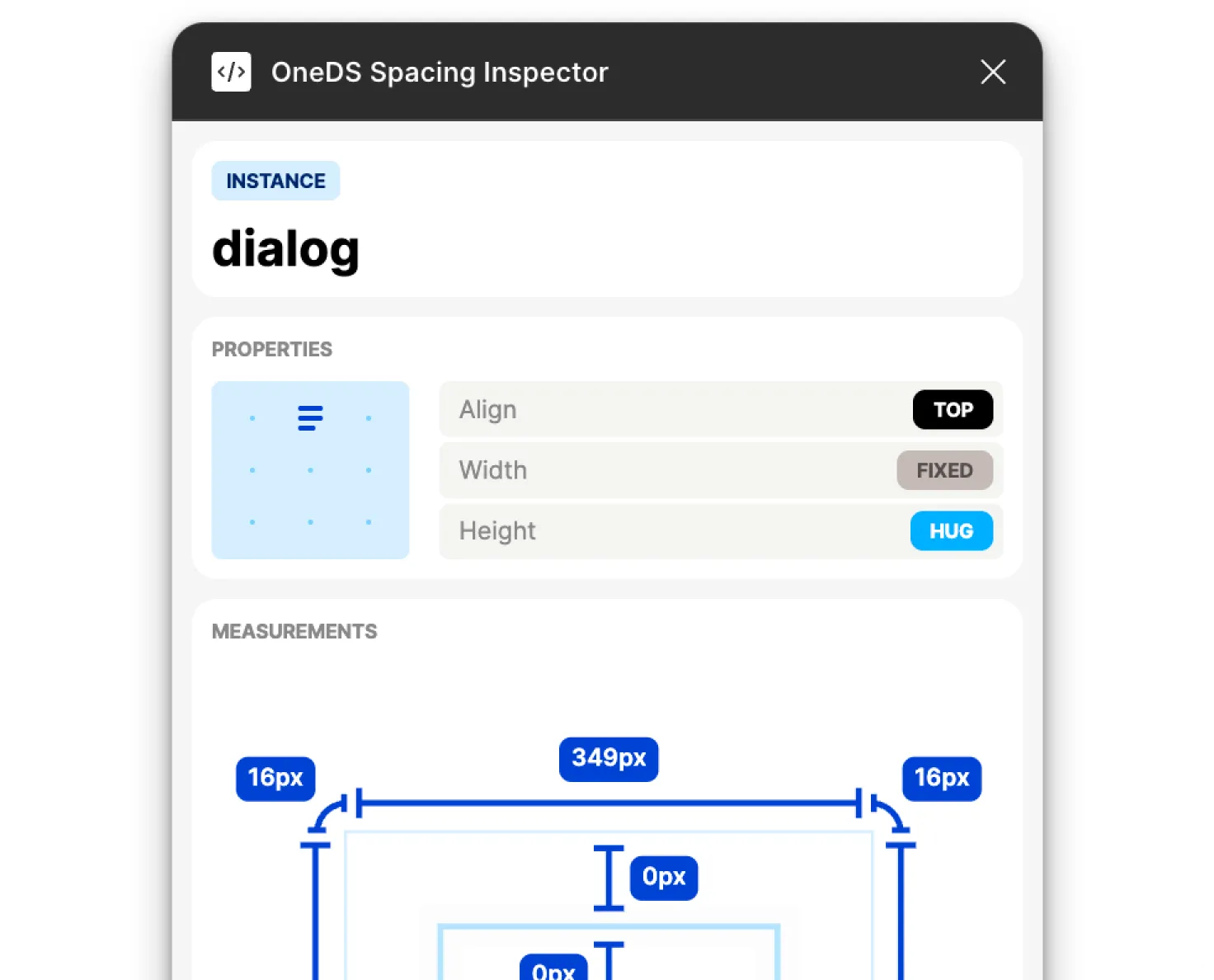
OneDS Spacing Inspector plugin preview

OneDS Spacing Inspector

The OneDS Spacing Inspector is a Figma plugin built to automate the annotation of spacing and layout properties across components, instances, and frames.

Who uses it?

Designers and Developers.

Why it matters

This plugin reads Figma's layout data to auto-generate accurate, consistent, up-to-date annotations.

Use it